What should an aircon move-in record achieve?
A useful record tells another person which unit you mean, what you observed and what remains unknown. It does not need to read like a technician's report. The Residential Tenancies Authority includes air conditioning among the items to consider in an entry condition record and encourages supporting photographs. Use the official process for your tenancy, with your aircon notes as clearly identified supporting information.
Keep condition recording separate from asking for work. You can record visible dust, a damaged cover or an operating concern without deciding whether the response should be cleaning, repair or further inspection. That distinction lets the property manager arrange an appropriate assessment. It also avoids turning an ordinary observation into an unsupported claim about the cause or the history of the equipment.
Do not wait for every question to be resolved before documenting what you know. If the remote is missing or you have not used the unit, write that down. Use the current RTA instructions for the formal reporting process and timing. This guide does not decide responsibility for a bill, replace the official condition report or establish that a particular observation proves a tenancy dispute.
Identify each indoor head before taking detail photographs
Assign a room label that will still make sense after furniture moves in. Front bedroom, rear study and living room are clearer than my room or the unit near the boxes. If there are two heads in one area, add a fixed location such as window wall. Use those labels in image filenames, the entry report comments and any later maintenance request.
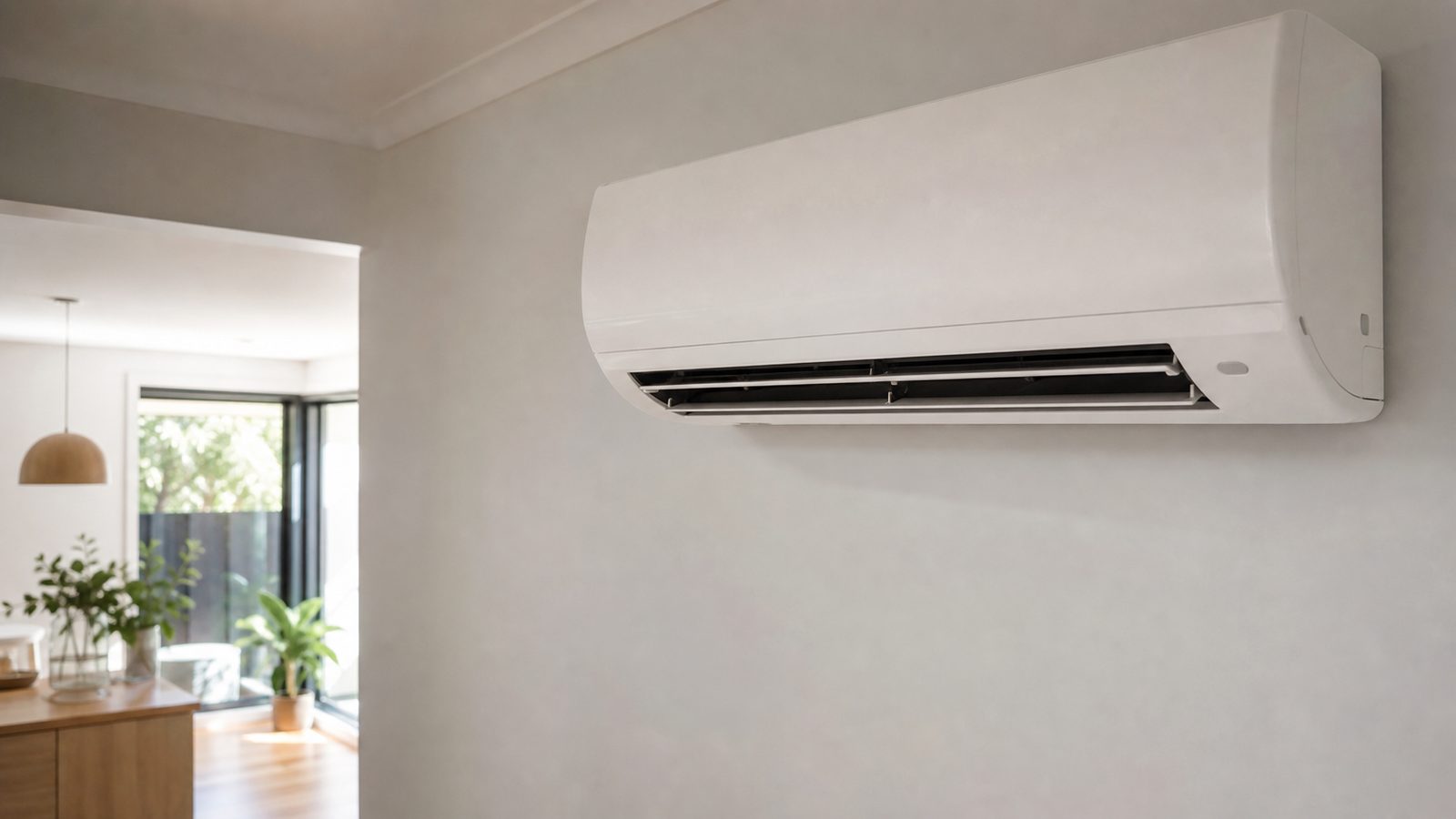
Take a wide photograph showing the head and its position in the room. Then take relevant closer views from a safe position, without removing covers or climbing on furniture. The wide image helps connect a detail photograph to the correct unit. Avoid filling the frame with personal documents, other residents or neighbouring properties, because those are unnecessary for recording the equipment's condition.
Note a brand or model only where it is already visible or available in supplied documents. Do not open equipment to find a label. If a manual or remote refers to a different model, record the discrepancy rather than choosing one by guesswork. The manager or attending provider can clarify identification when they arrange access to the property.
Describe the visible condition in ordinary language
Write down the location and appearance of any exterior mark, crack or stain. For example, a mark below the right side of the indoor head is more precise than aircon dirty. Avoid identifying a substance from its colour alone. Photographs of dark marks do not establish what they contain, why they formed or whether they have any health effect.
Include surrounding surfaces where they help explain the observation. A mark on the wall below the head or a stain on nearby skirting may be relevant to a maintenance enquiry. Describe it separately from the unit itself and say whether it was present when you arrived. If you do not know whether the mark is old, leave its age unknown.
Record only areas you can inspect safely and normally. Hidden internal components should remain unassessed in your notes. You do not need to remove vanes, reach inside the outlet or dismantle panels to make an entry report useful. A careful record of accessible condition has more value than a confident statement about parts you have never seen.
How can you record operation without performing a technical test?
If you have used the aircon normally and no warning signs were present, describe the outcome in plain terms. Note the remote mode, any displayed error and the behaviour you noticed. A statement that air flowed during ordinary use is narrower and more reliable than a declaration that the system works perfectly. You are documenting an observation, not certifying cooling performance.
If you have not used it, write not tested and explain why where useful. Perhaps the remote is missing, the property is still being set up or the manager asked you to leave the unit off. Do not convert absence of a complaint into evidence of normal operation. An honest unknown gives the manager something specific to clarify.
Stop the ordinary-use check if a concerning condition appears. Smoke, burning, repeated tripping, shock or suspected electrical water damage should be reported through an appropriate safety route, with affected equipment kept out of use. Avoid wet or damaged electrical parts. There is no requirement in this guide to recreate a fault, repeatedly restart a unit or collect a video at personal risk.
Record the remote and supplied instructions too
Identify which remote is supplied for each room. Note missing battery covers, unreadable displays or buttons that do not respond during ordinary use. A remote issue can prevent an operation observation without proving that the air conditioner itself has failed. Keep that distinction in the report so the manager can decide whether replacement controls or further assessment are needed.
Record any manual, quick-start sheet or previous service report supplied with the property. If instructions are missing, ask where to find the correct manufacturer's guidance. Do not rely on a video for a similar-looking model when it describes opening or maintaining the equipment. Owner-care instructions can differ, and the tenant's ability to access a filter safely also needs consideration.
Ask the manager how routine concerns and maintenance requests should be reported. Keep the agreed contact channel and any reference number with your record. A comment in the entry report and a separate maintenance request may serve different administrative purposes. Make it clear when you are asking for a response rather than assuming that a photograph uploaded to a condition form will automatically create a job.
Keep photographs traceable and useful later
Retain original images as well as any smaller copies sent through a portal. Label them with the room and subject so a future reader can match them to the written observation. Avoid overwriting the originals with arrows or text. If an annotated copy helps explain a mark, keep it as an additional image alongside the original view.
Use a consistent sequence: the room view, the relevant exterior detail and the remote display if it helps. Include the observation date in your notes rather than relying only on filenames. Keep a copy of the message or submission that accompanied the images. This preserves what you actually reported, even if a portal later changes how attachments are displayed.
Do not add certainty that the image cannot provide. A photograph can show a visible mark, but it cannot establish hidden cleanliness, electrical safety or the date of an earlier service. Pair it with a careful sentence describing what you saw. Where the photograph is unclear, say so and ask for assessment rather than sharpening or editing it until the mark appears more definite.
Write a maintenance message that preserves the facts
Begin with the room and the issue. State that the observation was made at move-in, identify any attached images and explain whether the unit was used or left untested. Ask what assessment or cleaning arrangement the manager proposes. You do not need to name a failed part, estimate a price or claim that the previous occupant caused the condition.
Separate urgent concerns from routine housekeeping. A visible dusty exterior and a unit that trips a circuit should not be buried together in a general list of cleaning preferences. Describe the warning clearly and follow the property's appropriate reporting arrangements. If there is immediate danger, move to safety and contact emergency services rather than waiting for an ordinary quote response.
Keep the manager's reply with your original message. If they arrange a provider, confirm the affected room and the purpose of the visit. If they ask for more information, provide what can be obtained safely and explain any limit. A tenant should not enter a roof space, open electrical equipment or access a neighbouring lot to complete an information request.
Preserve the baseline before authorised cleaning
Record the accessible condition before cleaning changes its appearance. This does not mean leaving a concern unreported while you wait for perfect photographs. Capture what you can safely, notify the manager and let the agreed process determine the work. A clean may improve visible condition, but the original record remains useful for understanding what prompted the appointment.
Clarify who authorises the visit and any additional scope. A tenant requesting information is not necessarily approving paid work. If the manager arranges the provider, pass on practical access details without changing the authorised job yourself. Where additional work is recommended, ask for the finding to be sent to the decision-maker rather than making an assumption about who will pay.
Ask the provider's completion record to identify the room and the work performed. Keep cleaning separate from fault assessment and repairs. If the appointment only covers accessible cleaning, the paperwork should not imply that refrigerant, wiring or every internal component was assessed. That distinction helps the tenant and manager understand which original concerns have been addressed and which still require attention.
Add later findings without rewriting the original record
When you discover something later, make a new dated note rather than editing the move-in observation to imply you knew it earlier. A unit may appear ordinary on first use and then develop an intermittent issue. The sequence matters. Keep the original condition record, the later observation and the notification together so the manager can follow what actually happened.
After a visit, record whether the reported behaviour is still present during normal use, without undertaking special tests. If it remains, refer to the original request and the completed scope when contacting the manager. Do not assume that another clean is the right response. The next step may be further investigation by an appropriately qualified provider, depending on the symptom and prior work.
If a disagreement arises about condition or responsibility, use current RTA information and the appropriate assistance process. This checklist does not establish liability or guarantee a bond outcome. Its purpose is narrower: clear observations, traceable photographs and a record of communications. Those are useful whether the next action is routine cleaning, equipment assessment or clarification of the supplied property information.
A worked example of a useful move-in note
Suppose the rear bedroom has visible marks on the wall beneath its aircon and no remote in the room. A useful note identifies the location of the marks, references the wide and detail photographs and states that operation was not tested because the remote was not available. It asks the manager to provide operating instructions and advise whether the wall marks need investigation.
The note should not say the drain is blocked, the unit contains mould or the air conditioner is broken. None of those conclusions follows from the observations alone. If a remote is supplied later and a drip appears during ordinary use, make a separate dated report describing that event. The manager then has a clear progression rather than a condition report filled with unverified diagnoses.
Use the builder below to create a starting note for each room. Add precise descriptions and image references in your own record before sending it through the agreed channel. Its generated wording intentionally leaves unknowns visible. It is not submitted anywhere, and closing or refreshing the page clears the current entries, so copy useful wording into your own retained documentation.